

Qreative Header Footer Designer for Elementor
Free Header Footer Builder for Elementor
Build custom headers and footers visually with Elementor for free. Upgrade to Pro to create mega menus, popups, off-canvas panels, announcement bars, WooCommerce cart slide-out panel, reusable global sections, advanced display conditions and smart targeting.
Free on WordPress.org – No Elementor Pro needed – Last update: 7 September 2026
Create Your Custom Template in Three Simple Steps
Create a new template
Click Add New Template button to create a new template post.
Choose where it should appear
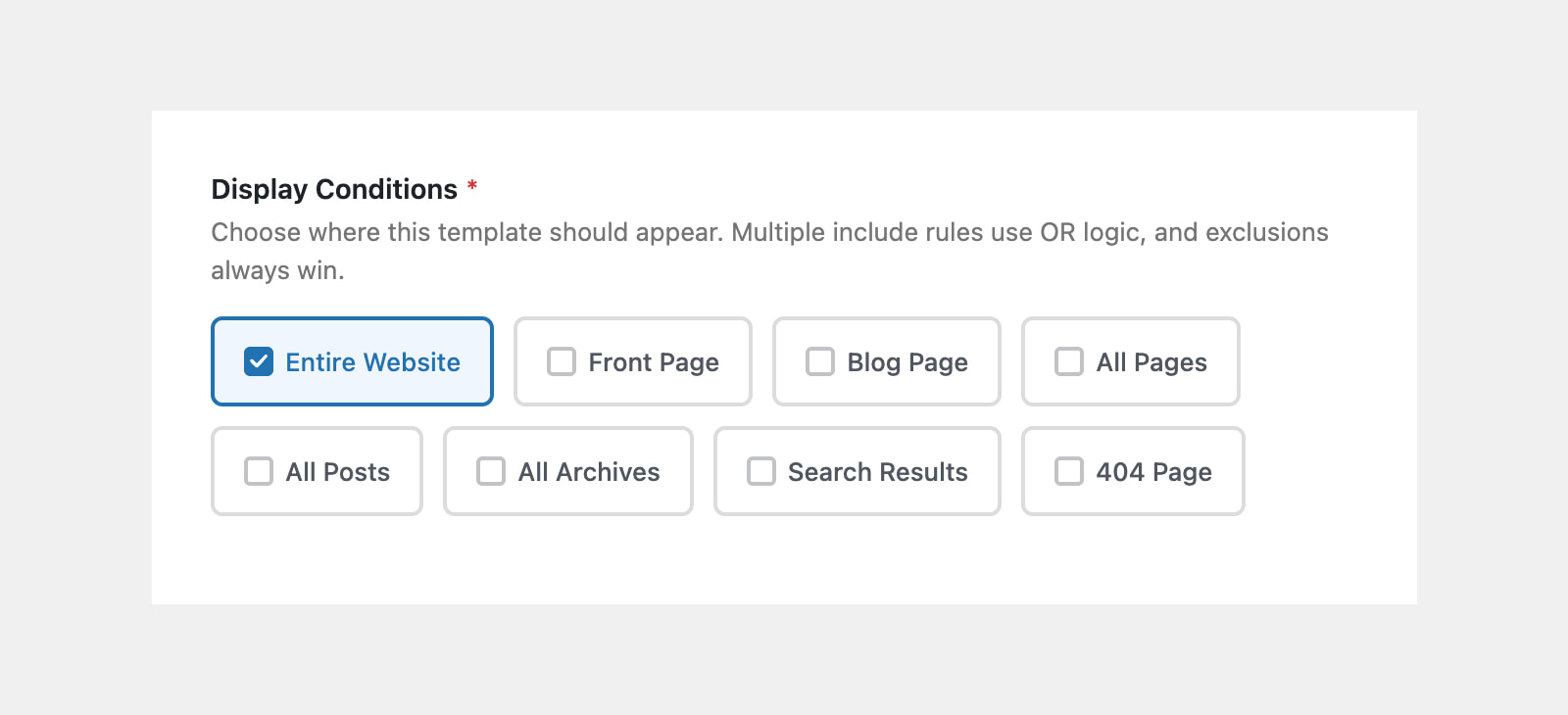
Clear, simple options let users select where the template should appear.
Design it with Elementor
Use Elementor Page Builder to create your header, footer or other template.
Free Features of Qreative Header Footer Designer
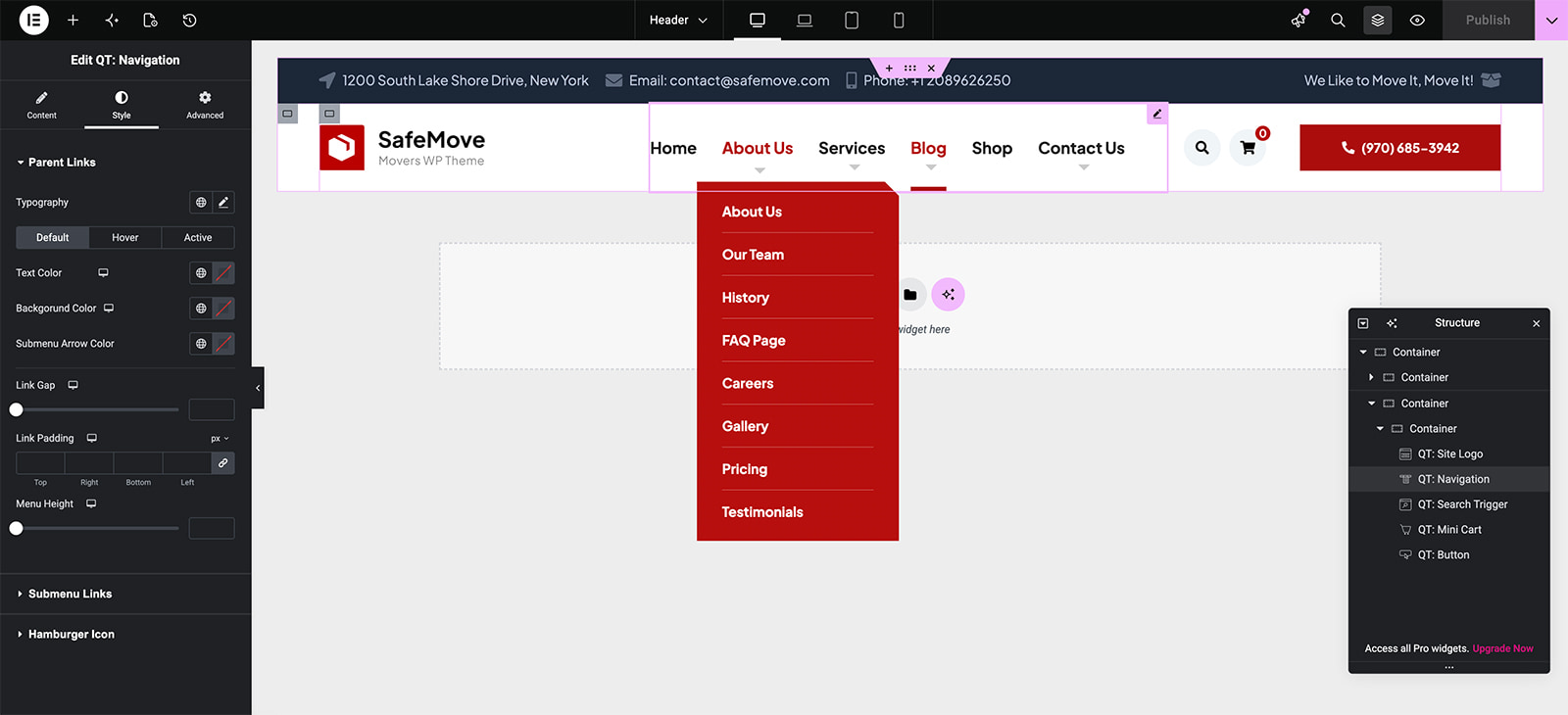
Build Headers & Footers in Elementor
Design professional headers and footers visually with Elementor. Create layouts that match your website without editing theme files or writing custom code.
Flexible Display Conditions
Choose exactly where each template appears. Display headers and footers site-wide, on common WordPress contexts, or target specific pages and posts with include and exclude rules.
Create Sticky Headers
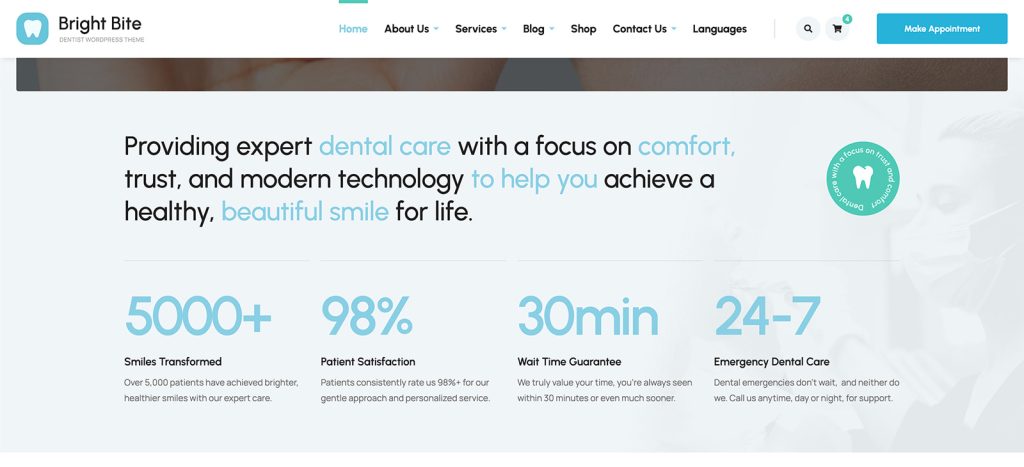
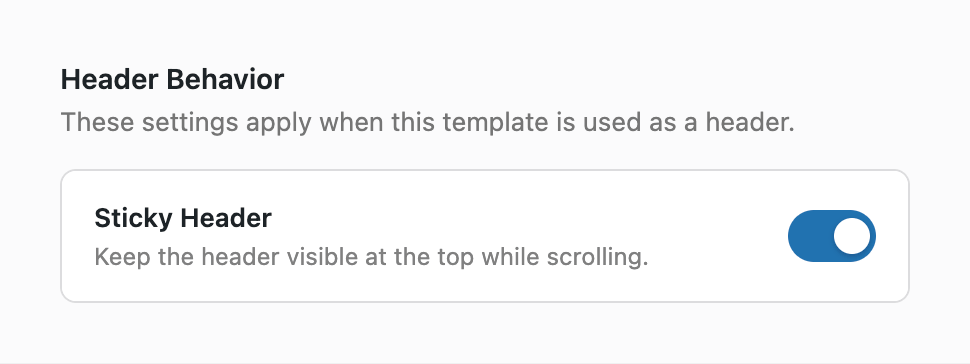
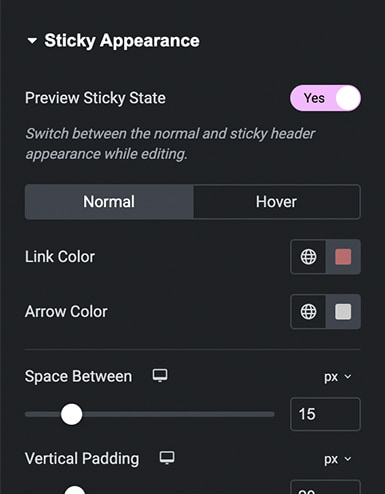
Keep your navigation visible while visitors scroll through your website. Sticky headers make important links easier to reach on longer pages.
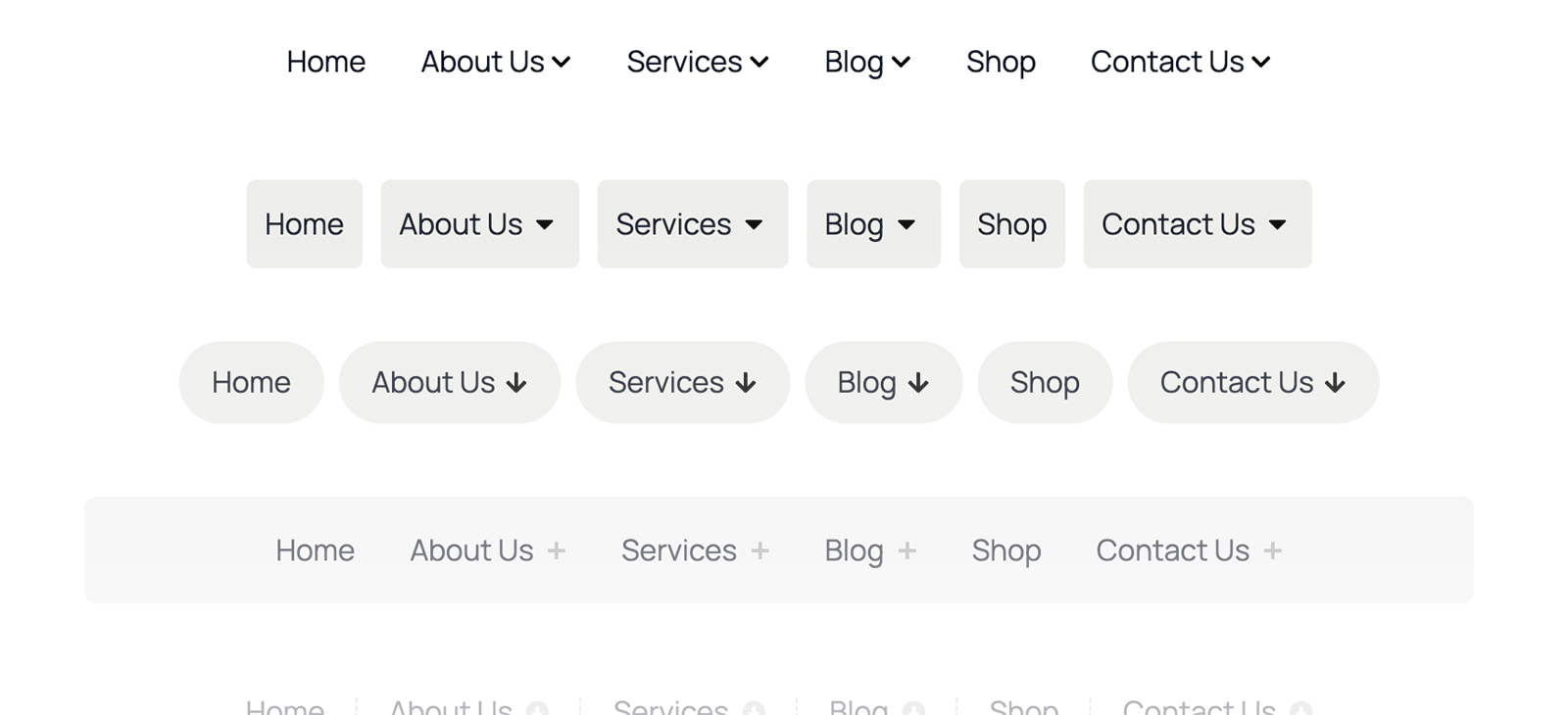
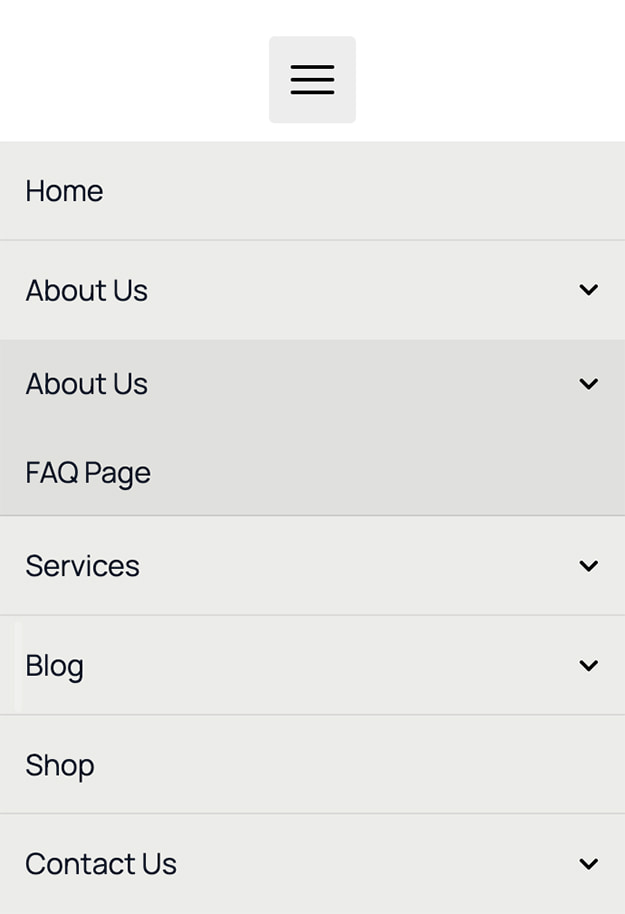
Advanced Navigation Widget
Build responsive WordPress menus with control over colors, spacing, typography, submenu indicators, animations, and hover or click interactions.
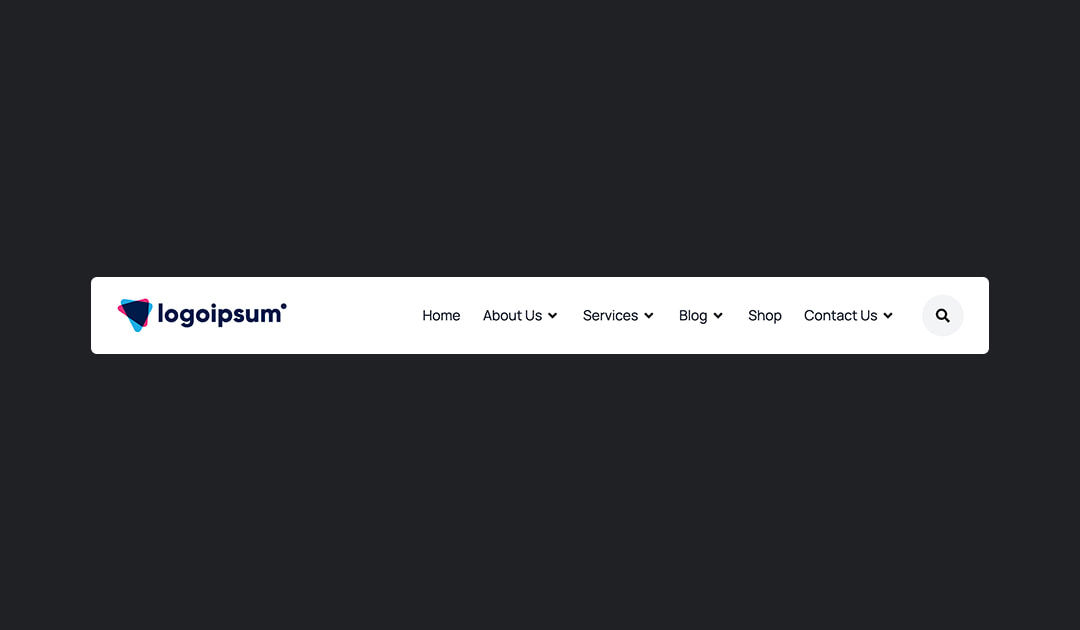
Essential Header & Footer Widgets
Use dedicated widgets for your site logo, WordPress navigation menu, search overlay, and copyright info. You can also combine them with any other Elementor widgets.
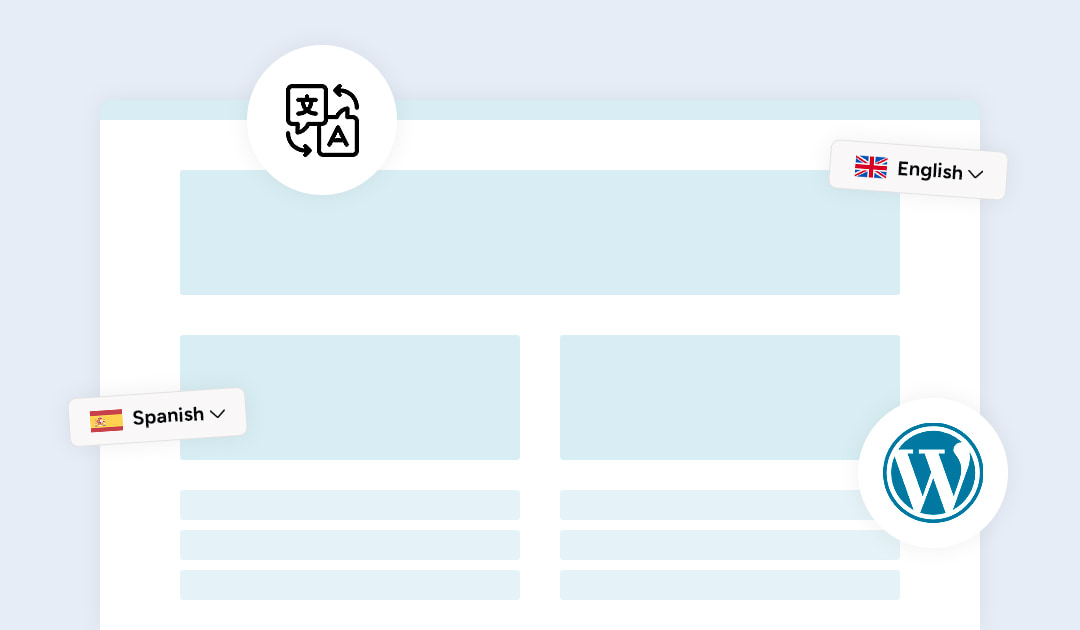
Multilingual Website Support
Create translated headers and footers for multilingual websites. Qreative Header Footer Designer integrates with WPML and Polylang.
Get started for free with Qreative Header Footer Designer
Go Further with Qreative Header Footer Designer Pro
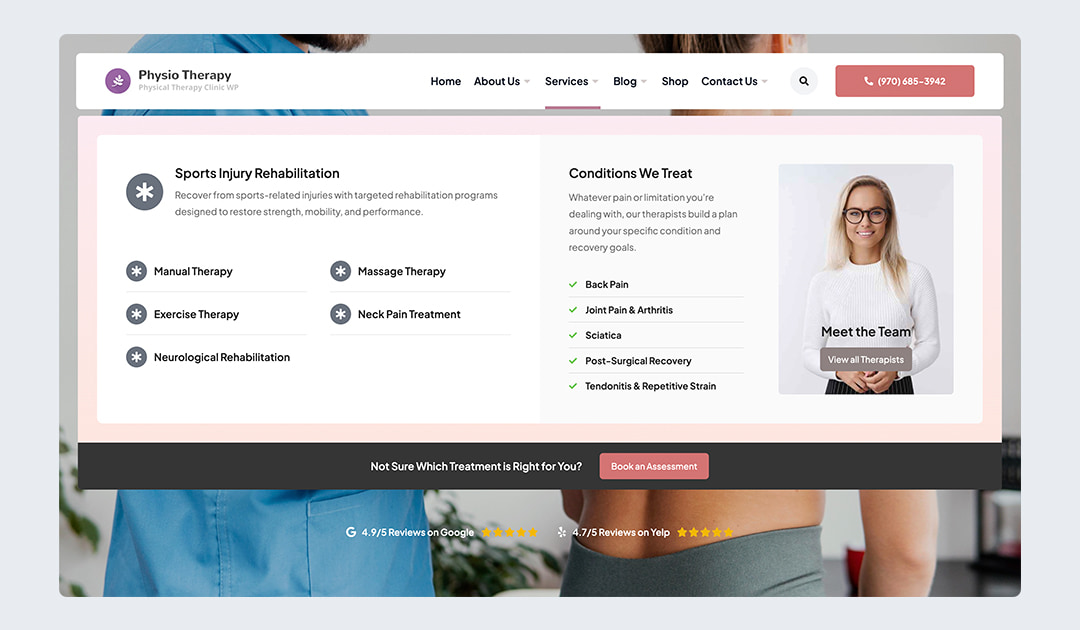
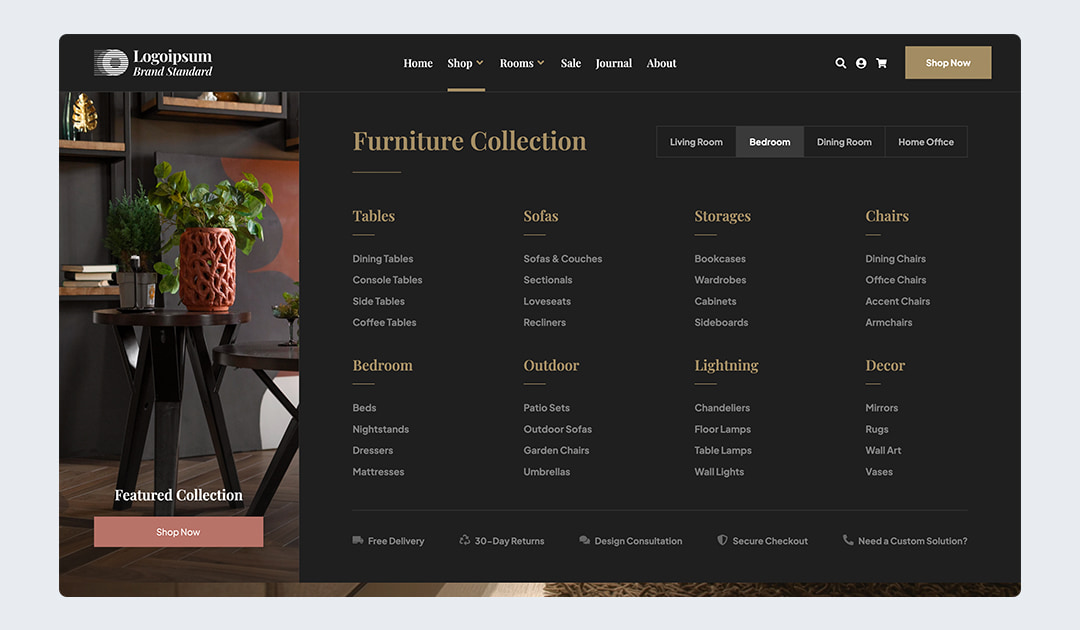
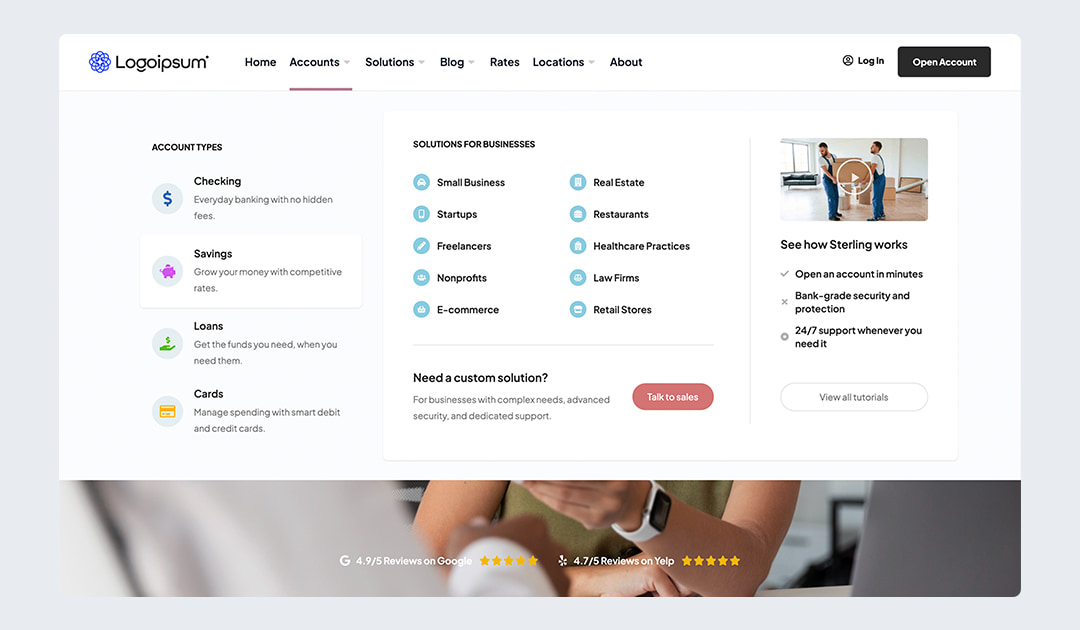
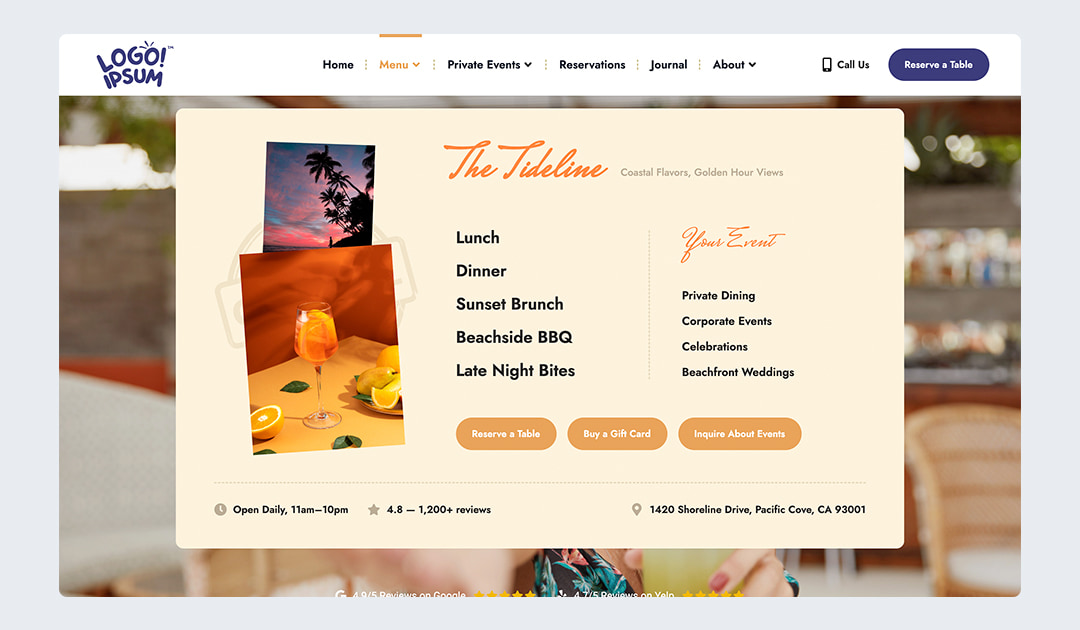
Mega Menu Builder
Create rich mega menu layouts with Elementor and assign them directly to individual WordPress menu items.
Off-Canvas Panel Builder
Build slide-out navigation, contact panels, promotional content, or custom side panels and open them with the Overlay Trigger widget.
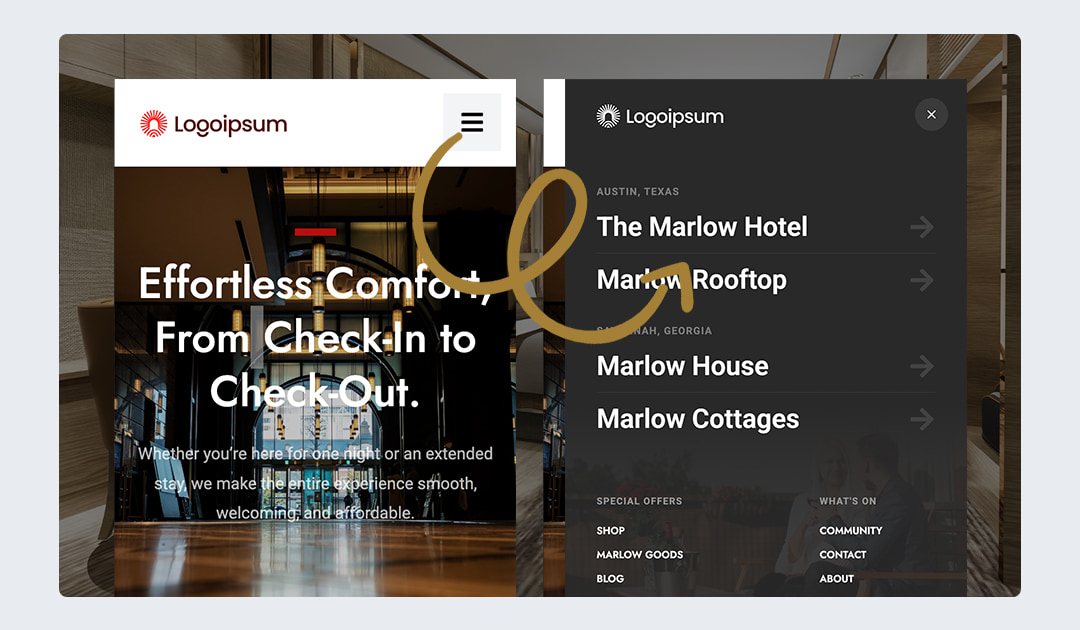
Build navigation that goes beyond a basic header
Modal & Popup Builder
Design popups visually with Elementor and trigger them manually, after a delay, at a scroll percentage, or with exit intent.
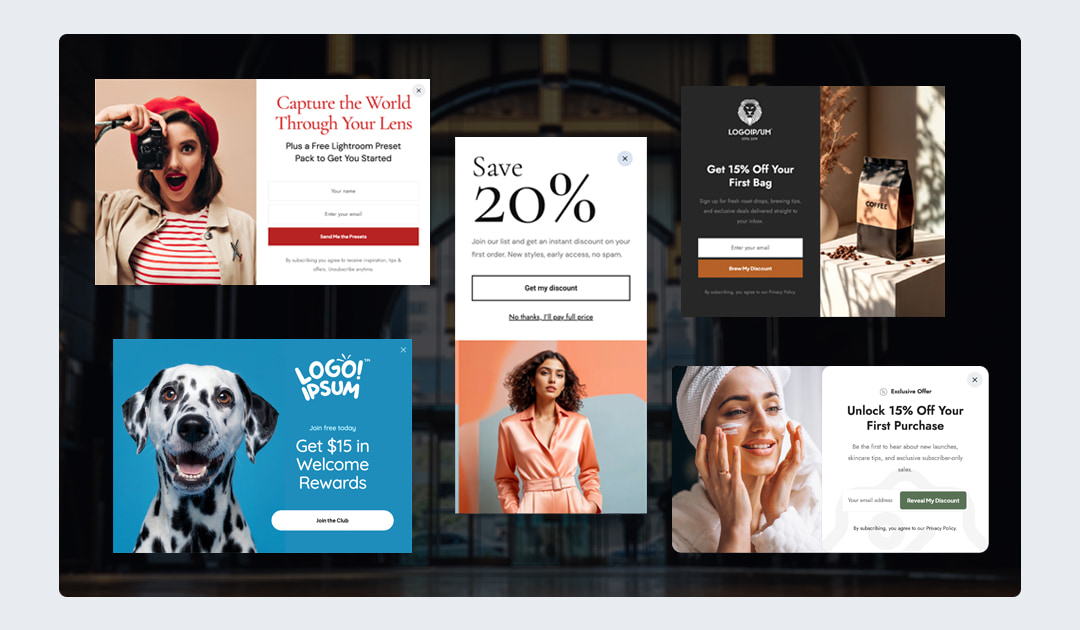
Announcement Bar Builder
Create targeted announcement bars with Elementor, make them sticky or dismissible, and control when, where, and for whom they appear.
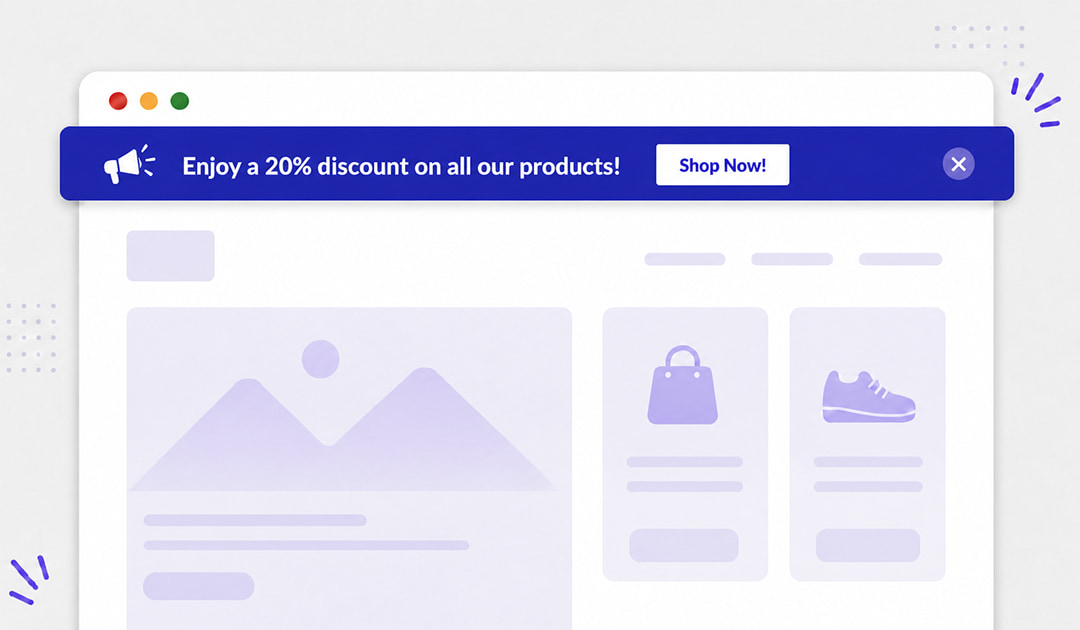
Turn more visitors into customers
Advanced Display Conditions
Go beyond free page and post targeting with rules for custom post types, WooCommerce products, shop archives, product categories, and product tags.
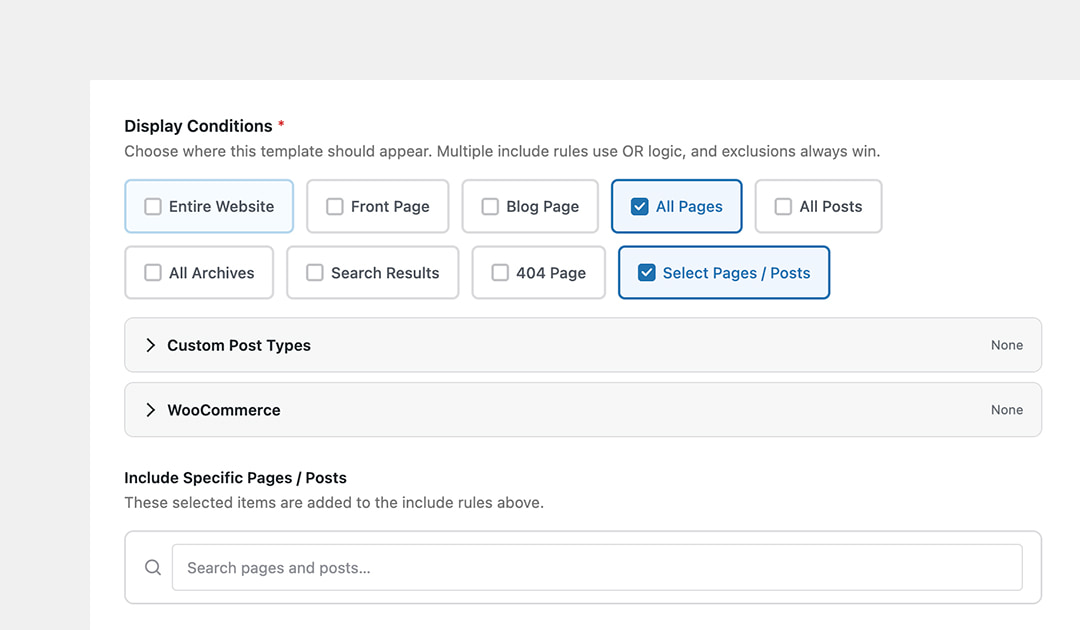
Advanced Sticky Header Effects
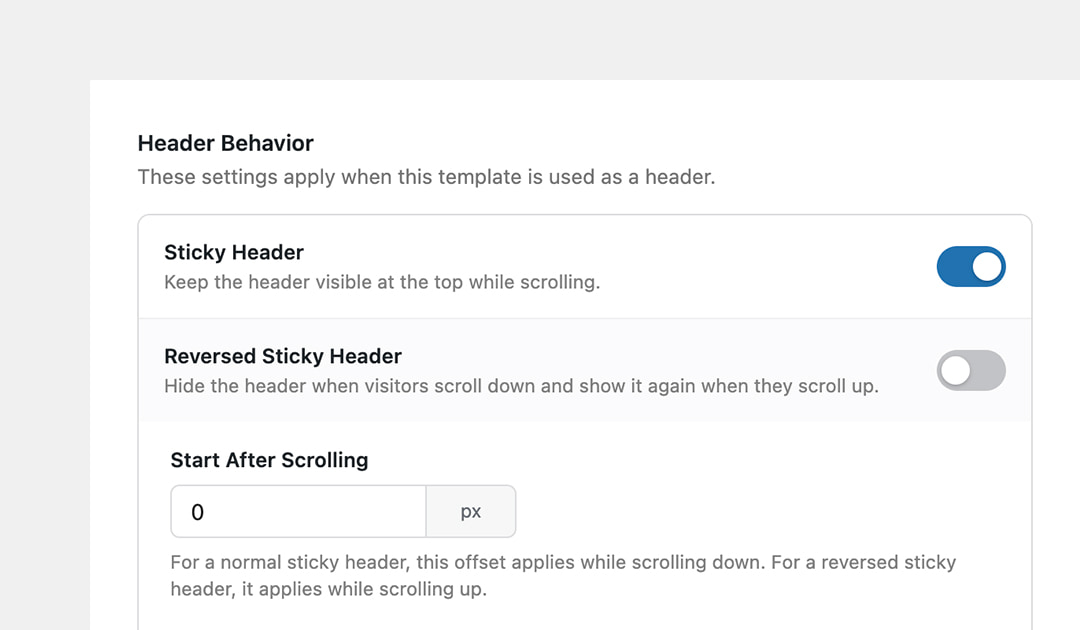
Add an adjustable trigger offset and reversed sticky behavior, so headers can appear or hide based on scroll direction.
Reusable Sections
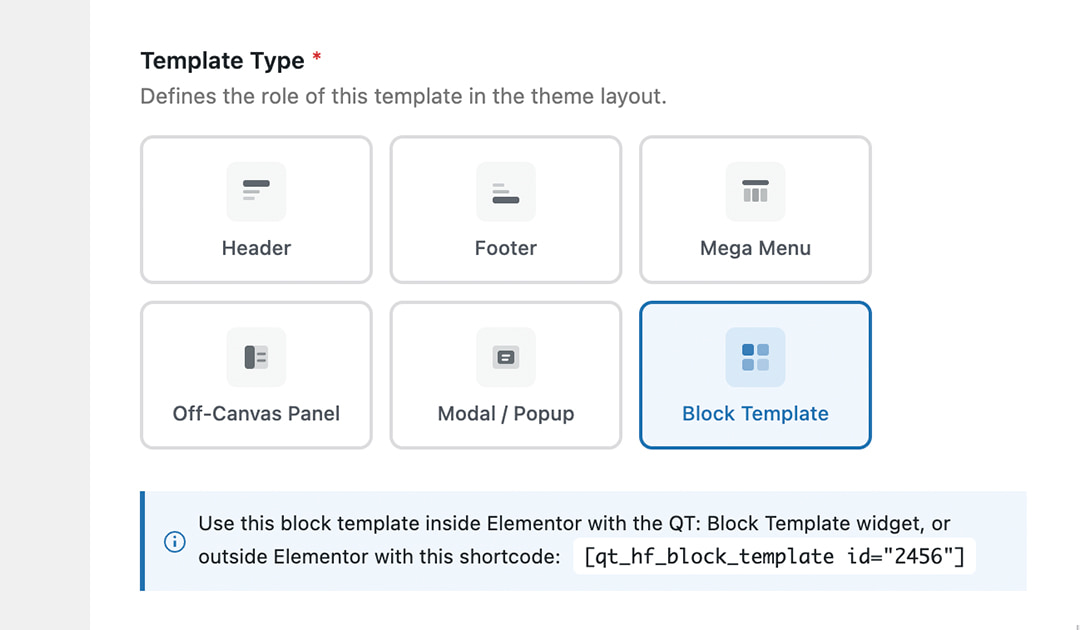
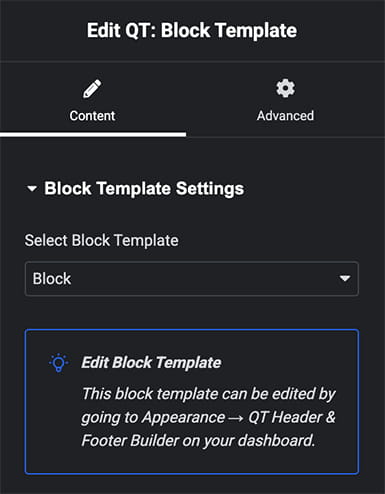
Create global Elementor sections and insert them anywhere with the QT: Reusable Section widget or a WordPress shortcode.
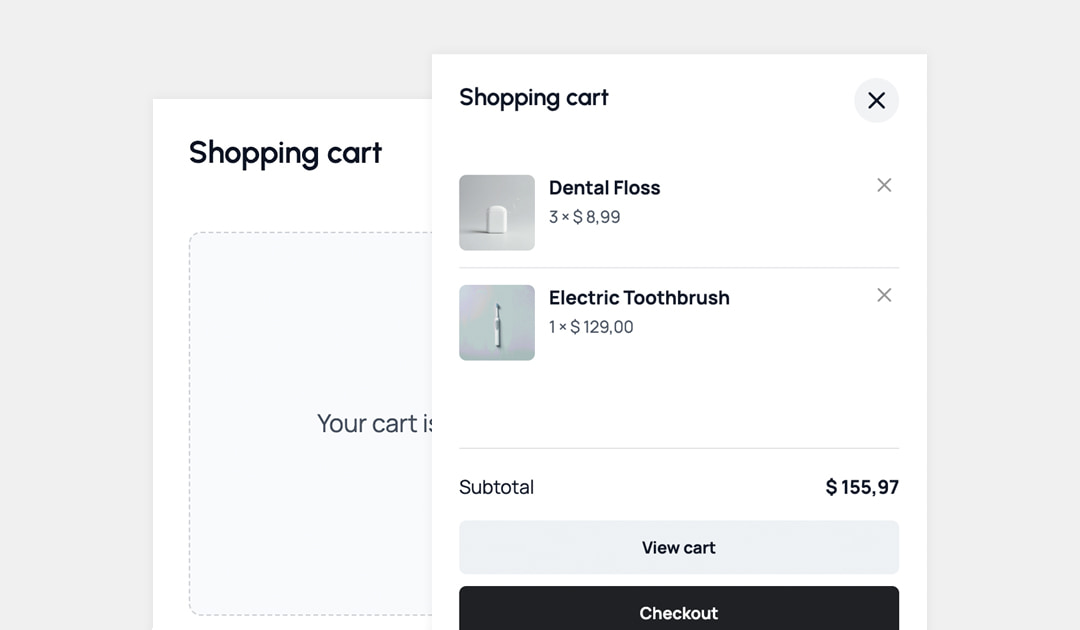
WooCommerce Mini Cart
Add a customizable slide-out shopping cart with product details, quantity count, subtotal, and checkout buttons.
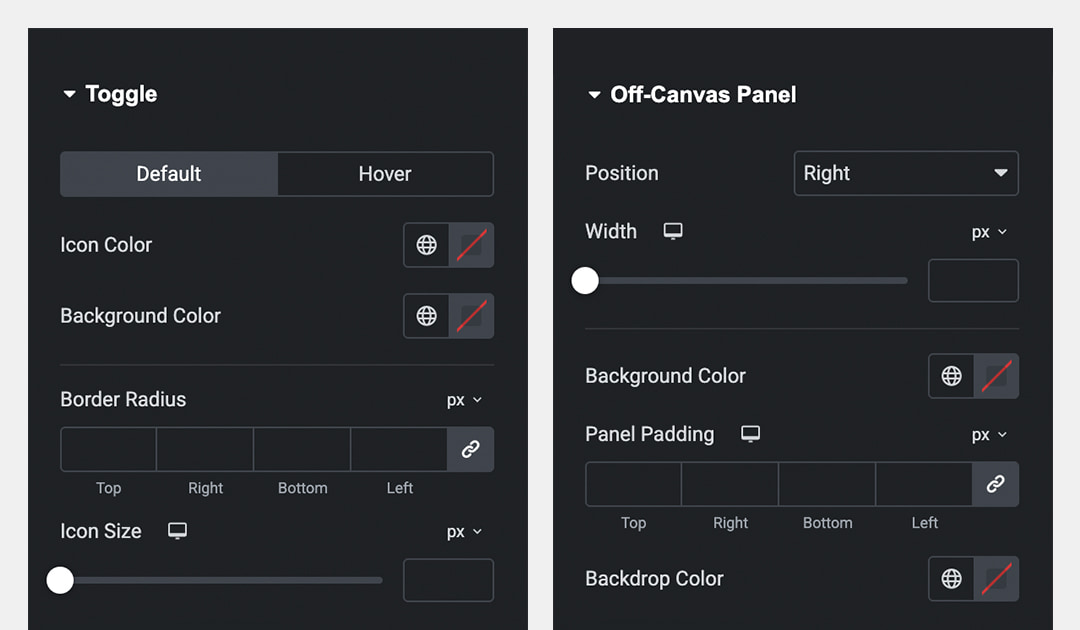
Customizable Overlays and Panels
Control overlay behavior, panel position, dimensions, backdrop color, blur effect, close button styling, animations, and responsive settings.
Get every Pro feature in one lightweight add-on
| Features | Free Build custom headers & footers | Pro More possibilities for your website |
|---|---|---|
| Custom headers & footers | Included | Included |
| Sticky headers | Included | Included |
| Essential header & footer widgets | Included | Included |
| Page & post display conditions | Included | Included |
| WPML & Polylang support | Included | Included |
| Go further with Pro | ||
| Mega menus | Not included | Included |
| Off-canvas panels | Not included | Included |
| Popups & modals | Not included | Included |
| Announcement bars | Not included | Included |
| WooCommerce slide-out panel cart | Not included | Included |
| Reusable global sections | Not included | Included |
| Custom Post Types & WooCommerce display conditions | Not included | Included |
| Smart targeting options | Not included | Included |
| Advanced sticky header options | Not included | Included |
Unlock every Pro feature with simple pricing
Lifetime
Great if you're building a single website and need a one-time solution.
- ✓ License for 1 website
- ✓ 3 months support
- ✓ Lifetime updates
- ✓ All Free & Pro features
Annual
Great for freelancers and agencies managing multiple client sites.
- ✓ License for 1 website
- ✓ Full year support
- ✓ 1 year of updates
- ✓ All Free & Pro features
Secure payments powered by Freemius for worry-free checkout.
Taxes may apply depending on your country of residence.

14-Day Money-Back Guarantee
You are fully protected by our 100% Money Back Guarantee. If, during the next 14 days, you experience an issue that makes the plugin unusable, and we are unable to resolve it, we will happily offer a full refund.
Frequently Asked Questions
Yes. Elementor must be installed and activated to design your header, footer, and other builder templates visually.
The plugin is designed primarily for classic WordPress themes that do not provide their own full-site header and footer builder. Compatibility with block themes may vary because they use the WordPress Site Editor.
Yes. The included Menu widget provides separate customization options for desktop and mobile navigation, including responsive breakpoints, submenus, spacing, colors, typography, and menu indicators.
Yes. Sticky header functionality is included in the free plugin. The Pro version adds an advanced offset trigger and a reversed sticky header option.
The free version supports common locations such as the entire website, front page, blog, pages, posts, archives, search results, and 404 pages. You can also target individual pages and posts, or exclude them.
Pro adds targeting for custom post types and WooCommerce content.
Qreative Header Footer Designer Pro includes Elementor mega menus, popups, off-canvas panels, announcement bars, WooCommerce cart slide-out panel, reusable global sections, advanced display conditions, advanced sticky header options, and smart targeting.
Yes. Headers and footers can be used on WooCommerce websites. Pro adds WooCommerce-specific display conditions and a customizable slide-out mini cart widget.
Yes. Qreative Header Footer Designer is compatible with WPML and Polylang, allowing you to create translated header and footer templates.
Yes. The Menu widget connects directly to menus created under Appearance → Menus. Select an existing menu and customize its desktop, mobile, and submenu appearance in Elementor.
No. Templates and widgets can be designed visually in Elementor. Developers can still use the available hooks, filters, CSS classes, and shortcode functionality for further customization.
Your templates remain stored in WordPress, but they will no longer replace your theme’s header or footer while the plugin is inactive. Reactivating the plugin makes them available again.
Yes. The free plugin includes everything needed to create custom headers and footers, sticky headers, responsive navigation, site logos, and header search. You can upgrade to Pro whenever you need more advanced features.
Ready to Build a Better Header or Footer?
Download the free plugin and create your Elementor header or footer today